
Typed and hand-drawn notes, organised by your actual timetable, with grade tracking built in.
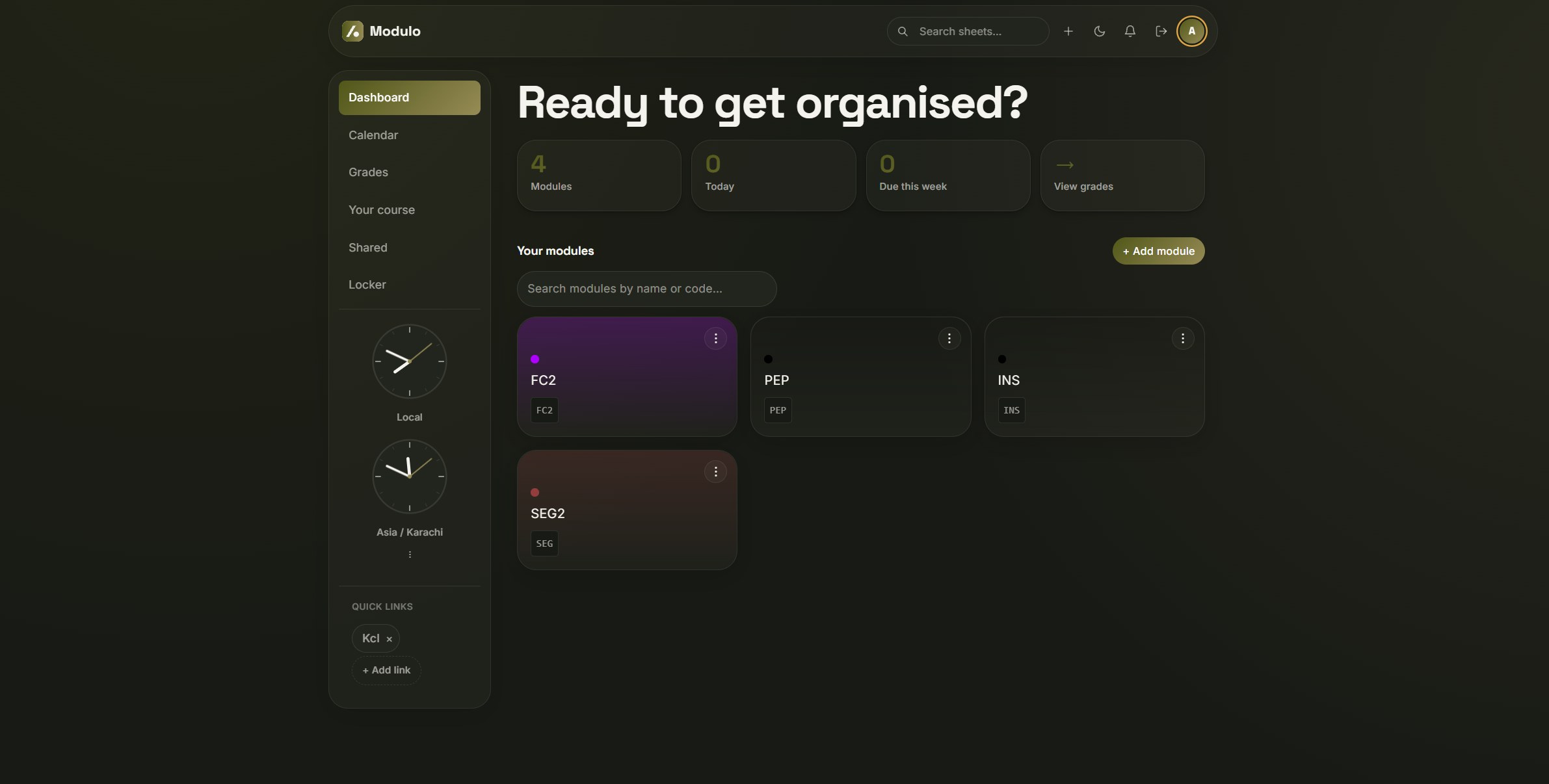
Stop stitching together four different apps.
-
×
Typed Note Apps
Not built for handwriting. No academic structure. -
×
Stylus Apps
Ink only. Terrible for formatting, code, or math. -
×
Spreadsheets
Manual grade entry, totally disconnected from your notes.
One editor for typed and drawn notes, wired into your timetable, with a grade tracker built for UK classification and GPA.
 vs. Notion
-
Works from minute one — no weeks of setup. Modules, semesters, and grade tracking are ready as soon as you sign up.
-
Real drawing, built in — no extensions needed. Draw pressure-sensitive ink directly next to your typed notes.
Notion is a trademark of Notion Labs, Inc. Not affiliated with or endorsed by Notion — comparison reflects Notion's publicly documented features as of 2026.
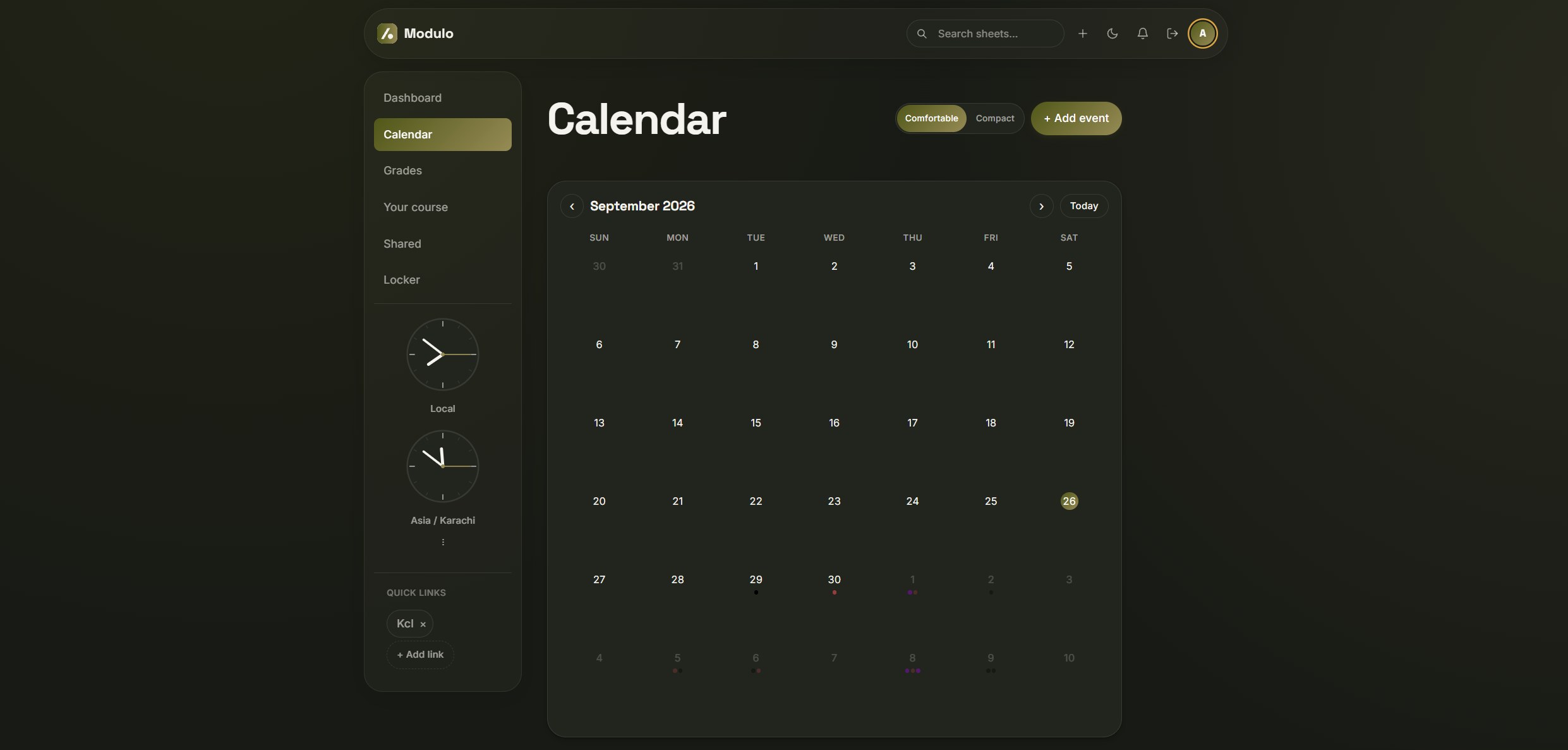
Your timetable, synced
Subscribe once, and every lecture from your university's feed lands here automatically.
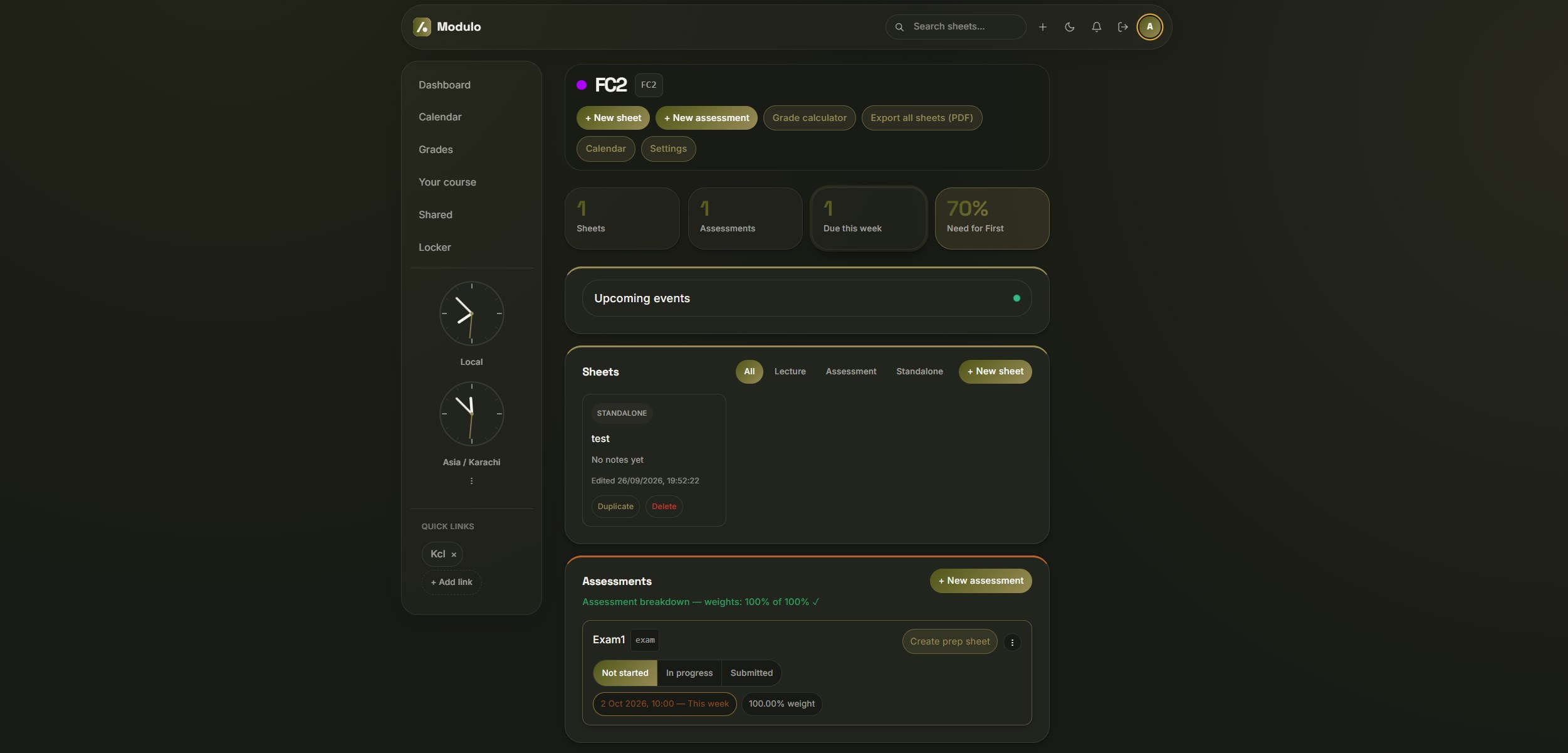
Assessments that track themselves
One click moves a coursework from Not started to Submitted — no dropdowns, no separate save step.
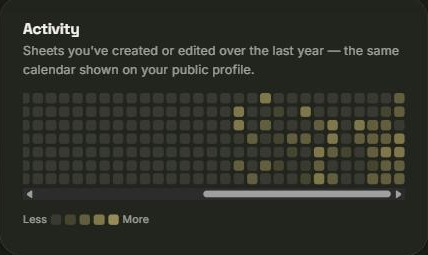
Track your revision
Every day you write or edit a note lights up your own activity calendar — see your consistency at a glance.
Everything a degree actually needs.
Unified write & draw editor
Draw directly over your typed notes, or drop in a sketch block alongside code and LaTeX.
Calendar sync via ICS
Free for everyone. Subscribe to your timetable once — every lecture becomes a session, one click from its notes.
Grade tracker for how you're actually graded
UK classification or GPA with year-weighting built in, or build your own scheme on Premium.
Real-time collaboration
Share a sheet with a coursemate and edit it together live, cursors and all.
Lecture audio recording
Record straight into your notes, with bookmarks that jump back to the exact moment.
Real PDF export
Export a whole module as it looks on screen, then archive it to the Locker once the year's done.
Google Drive backups
Scheduled backups of your sheets and modules to your own Google Drive, automatically.
Simple, student-friendly pricing.
Your notes, modules and grades are free for good. Premium adds live collaboration, lecture recording and your own grading schemes.
Core
- Unlimited modules, semesters and academic years
- Typed and hand-drawn notes in the same sheet: rich text, code, maths and ink
- Assessment tracking with due dates, weights, scores and status
- Grade tracking with UK classification or GPA, including year-weighted averages
- Timetable sync: paste your university calendar feed and every class appears on its own
- Add classes and events to your calendar by hand
- Edit sheets other people share with you
- Google Drive backups and a full data export
Premium
- Everything in Core
- Share your sheets and edit together live, with everyone’s cursor and pen strokes visible
- Record lectures straight into a sheet, with bookmarks that jump to the moment
- Drop bookmarks into your notes as tags that replay that exact moment of the lecture
- Create your own grading schemes and grade bands
- A weekly email of what’s due
Have a feature in mind?
Modulo is built around what students actually ask for, not a fixed plan set months in advance. Tell us what's missing.
Going through a hard time?
If money's tight, email us — no form, no proof required — and we'll sort you out at no cost.
Email us
Muhammad Amen Ehsan
Founder · President, King's AI Society
Hi, I'm Amen. I built Modulo in my first year at King's because I was running my degree across four apps that had no idea the others existed — notes in one, timetable in another, grades in a spreadsheet I kept forgetting to update. I wanted something that actually understood how a degree is structured: modules, semesters, sessions. I'm also President of the King's AI Society, so most of what gets added to Modulo still comes from students telling me what's missing.